
 Spotless
Features.
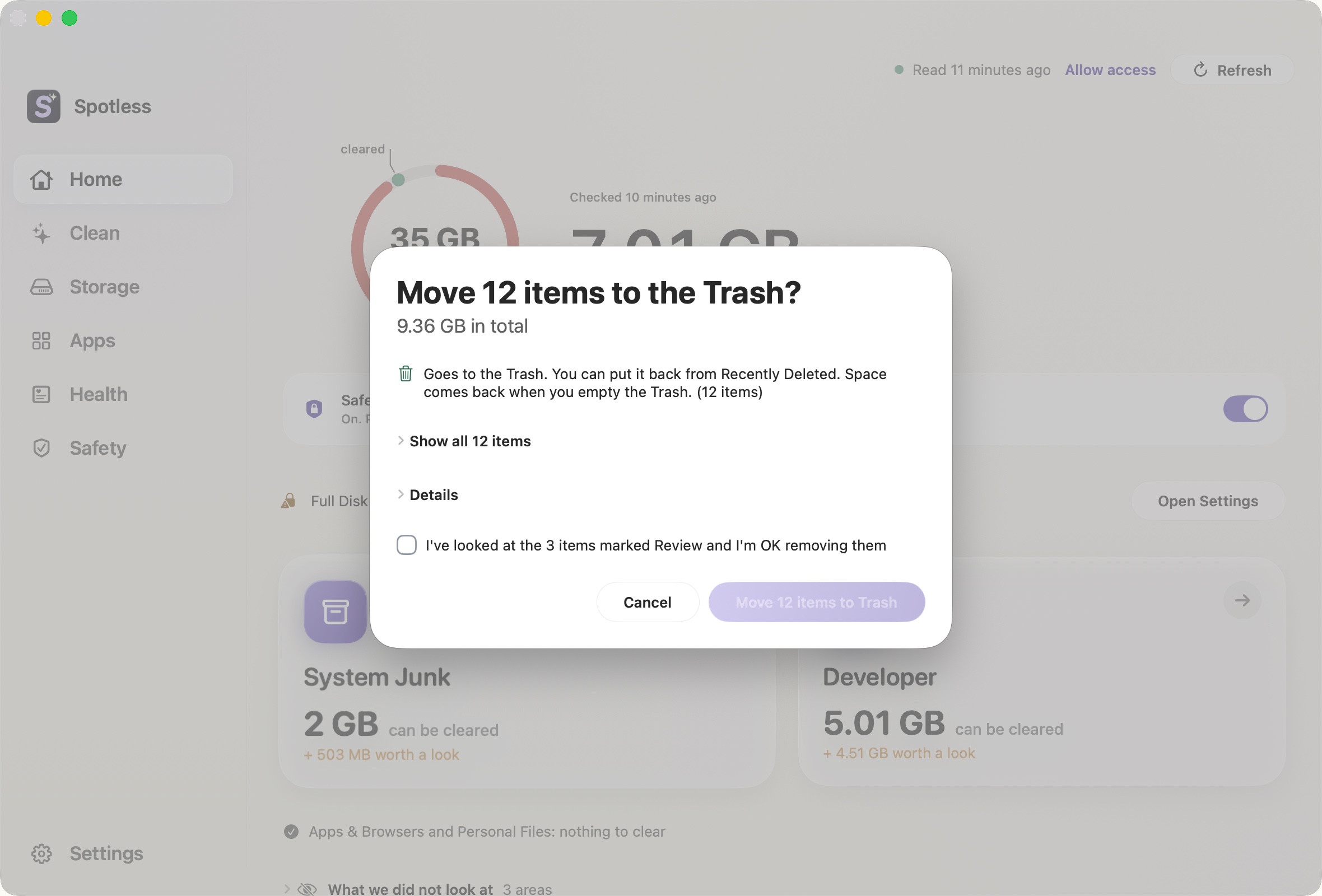
Review before every clean
The exact list, with sizes, before anything moves.
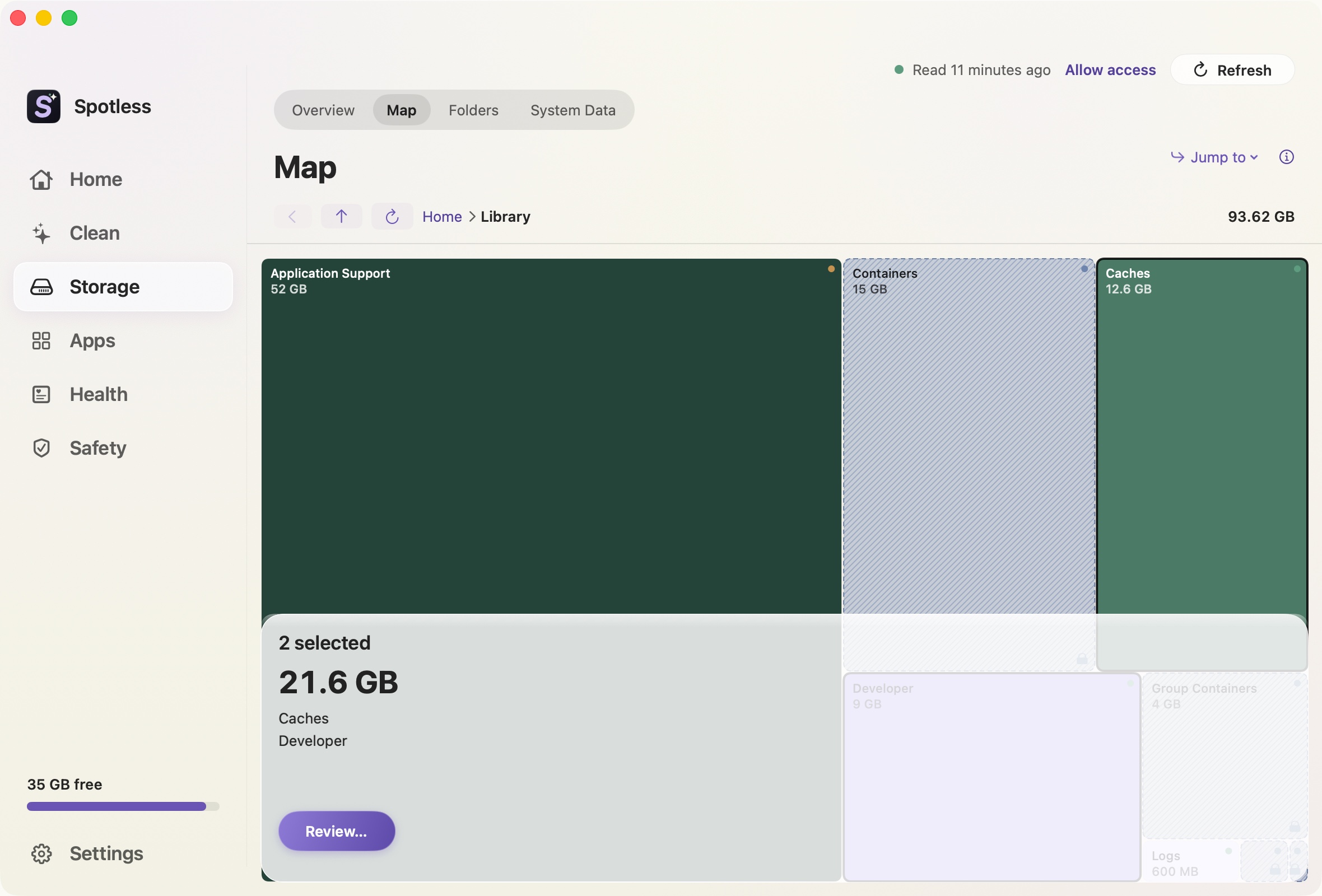
Space map
Every folder sized by the space it takes.
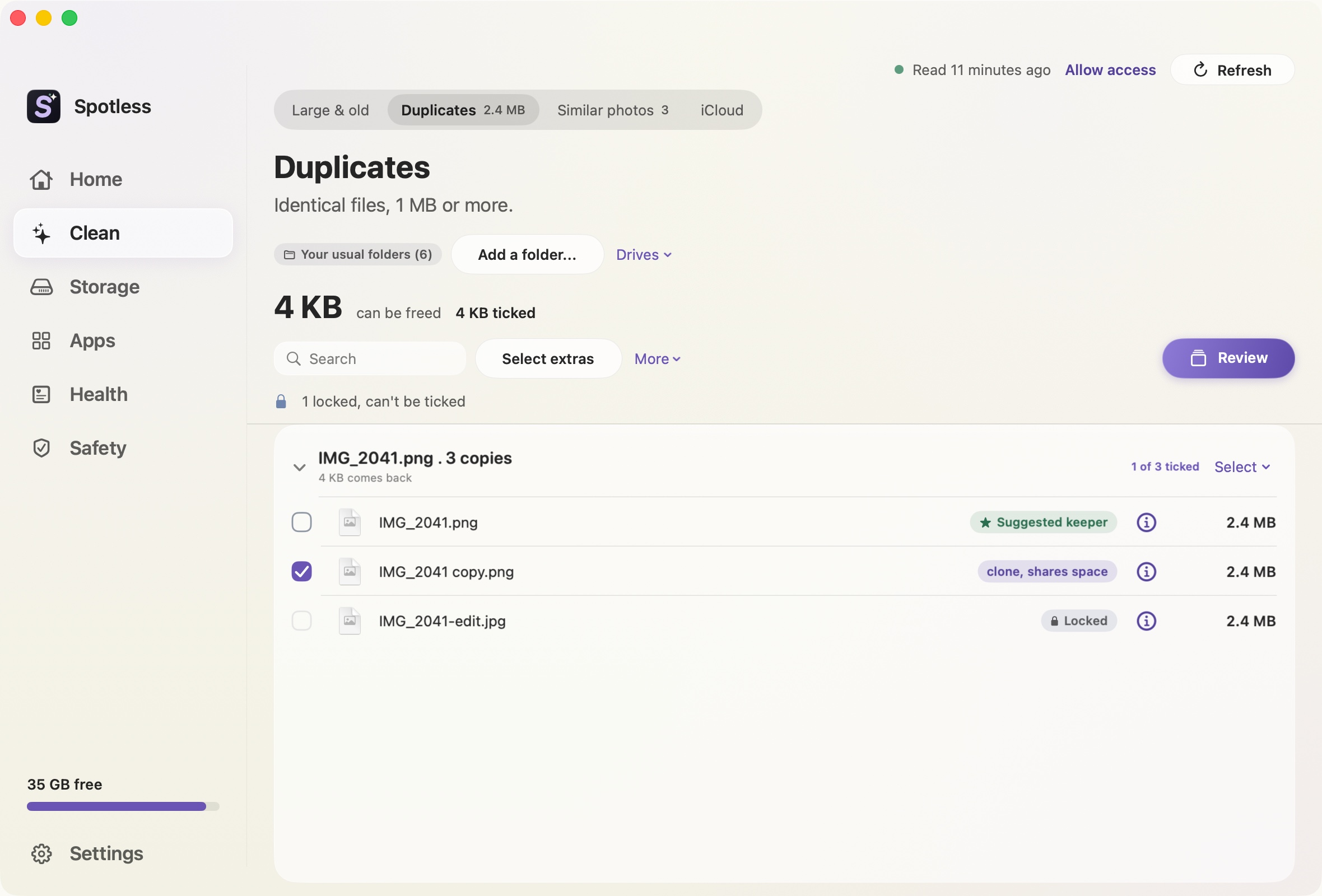
Duplicates
Identical files grouped. You choose which stays.
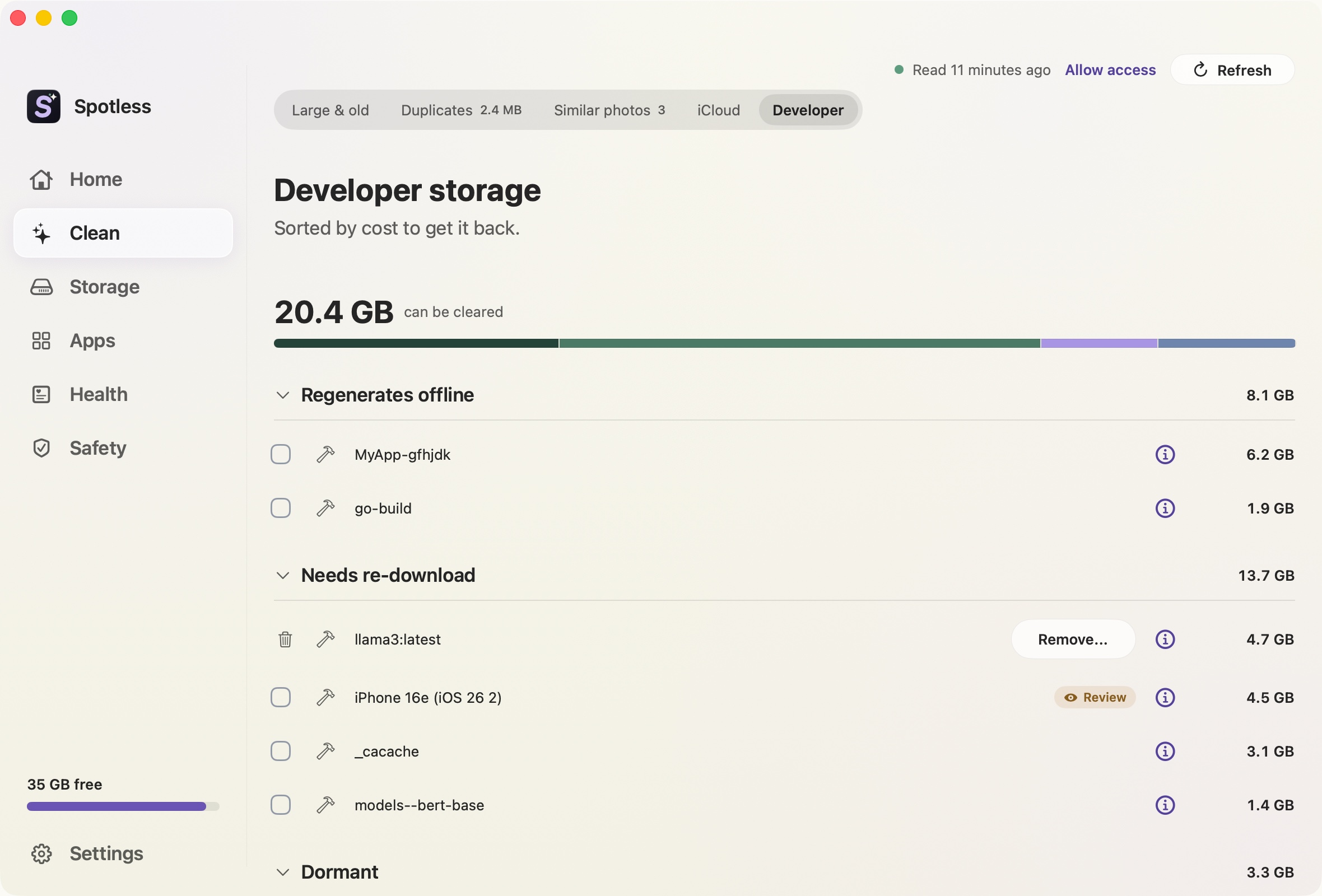
Developer storage
Xcode, Gradle, Cargo, pnpm and the caches they leave.
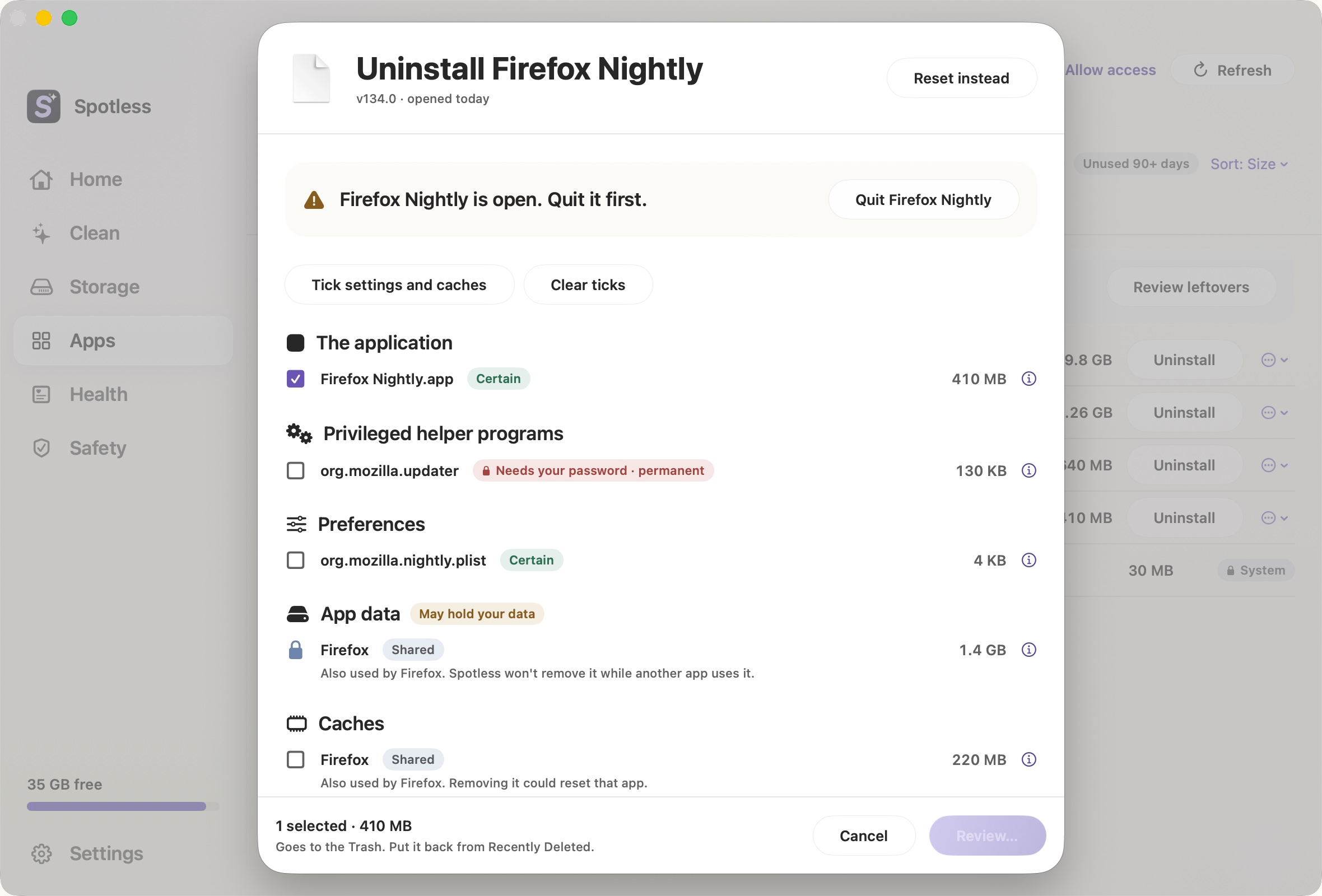
App uninstaller
An app and what it left in Library.
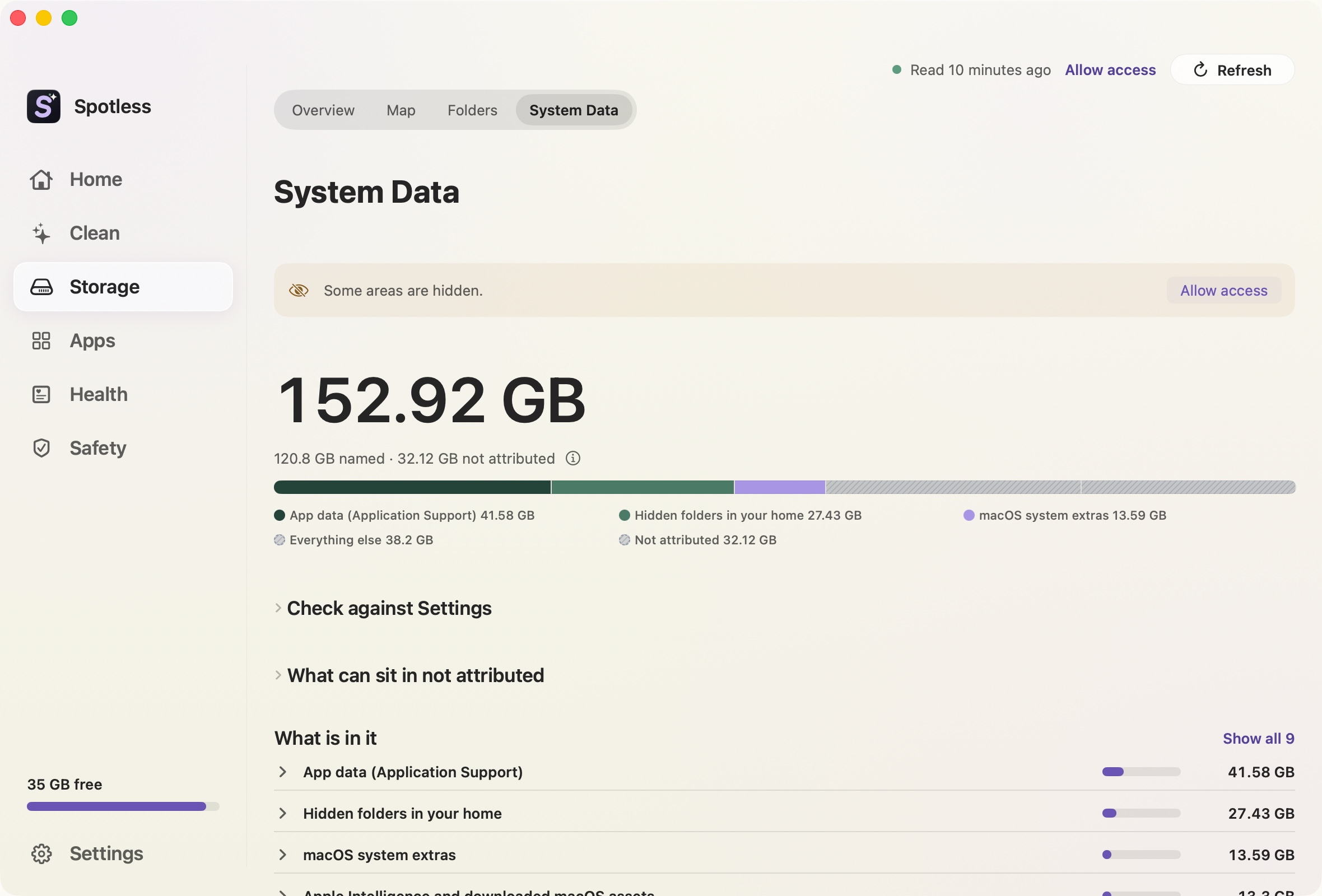
System Data
The grey bar, split into named folders.
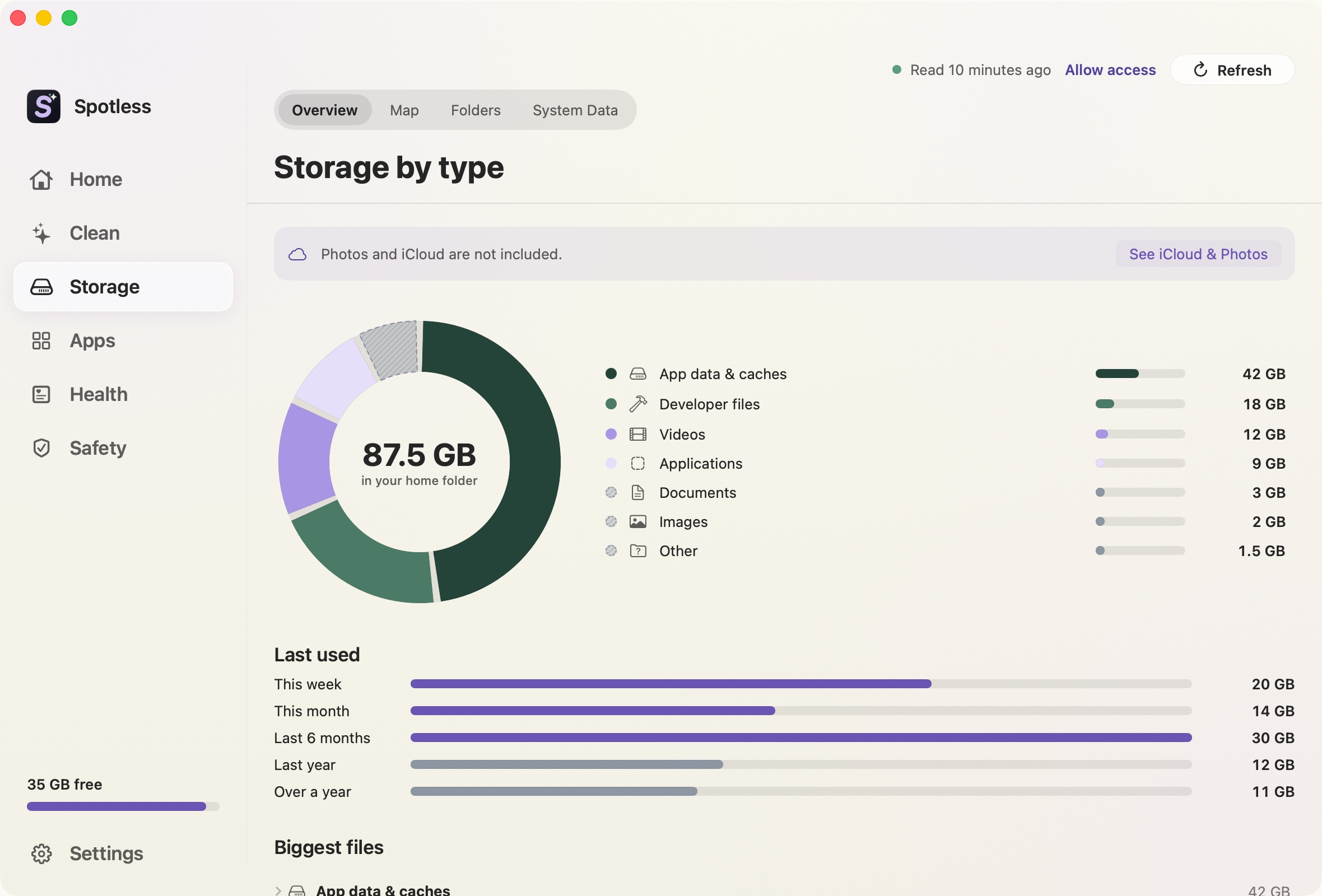
Storage by type
What takes space, grouped the way you think of it.
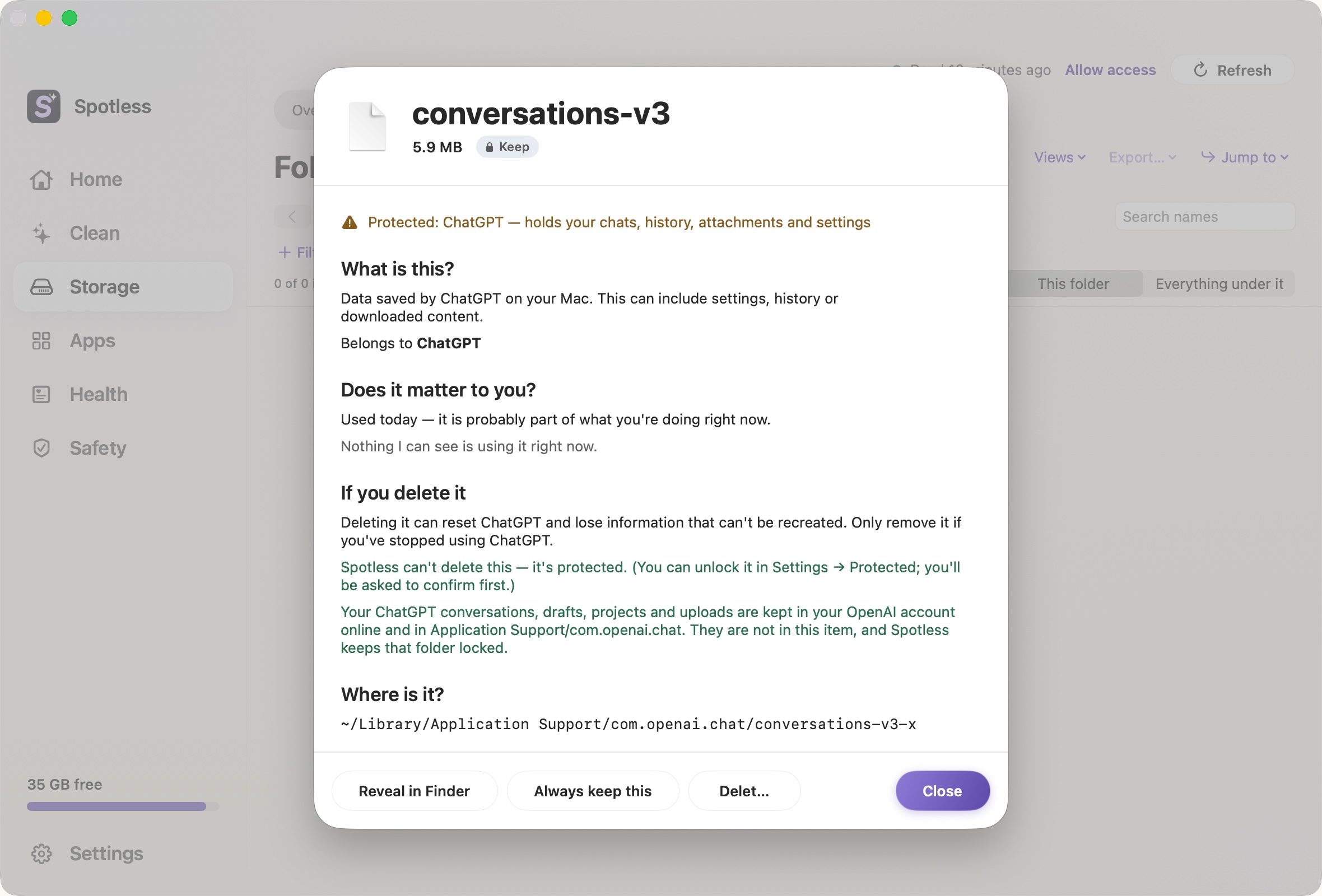
Locked areas
Photos, cloud folders and active work stay protected.
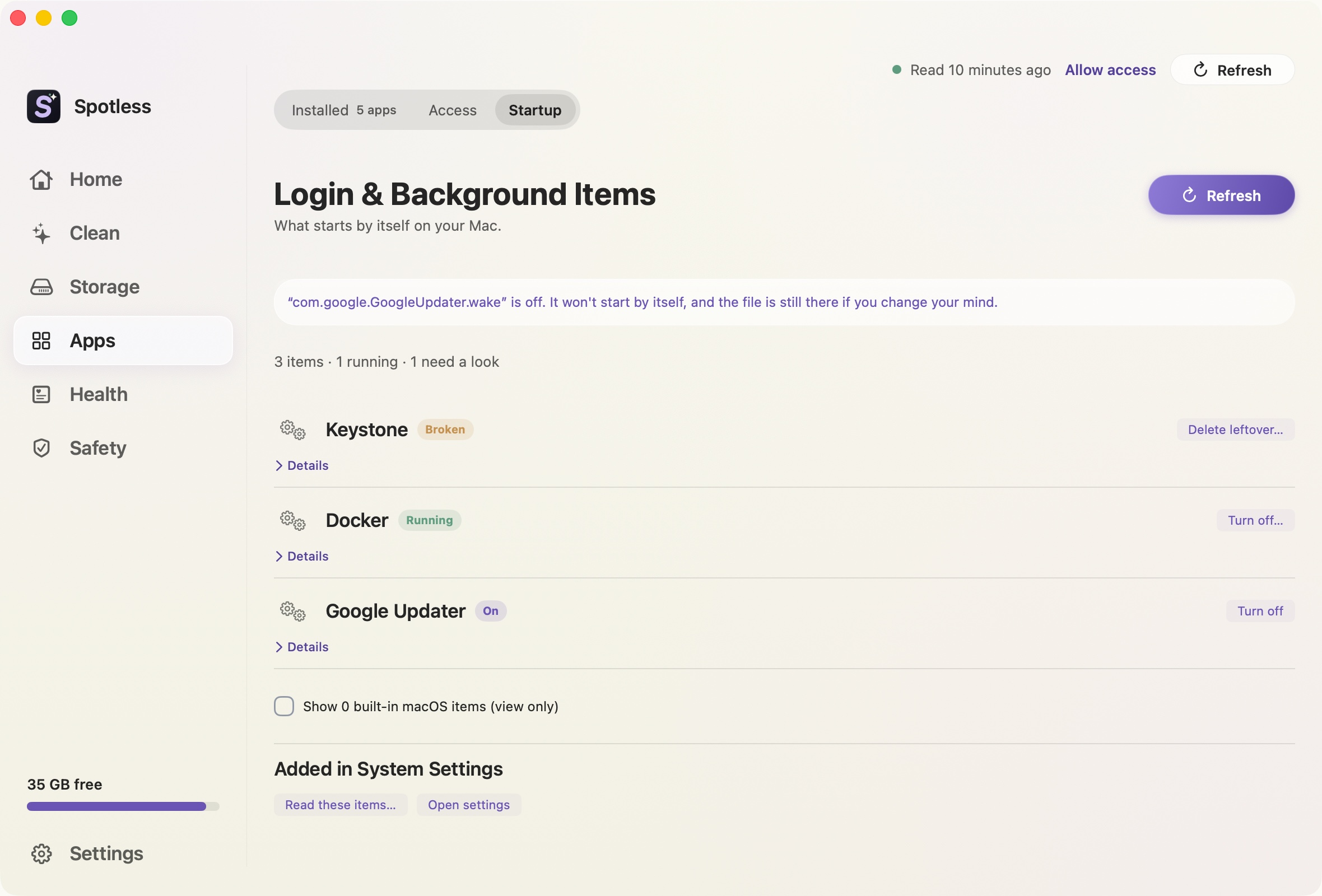
Startup items
What opens at login, and what it costs.
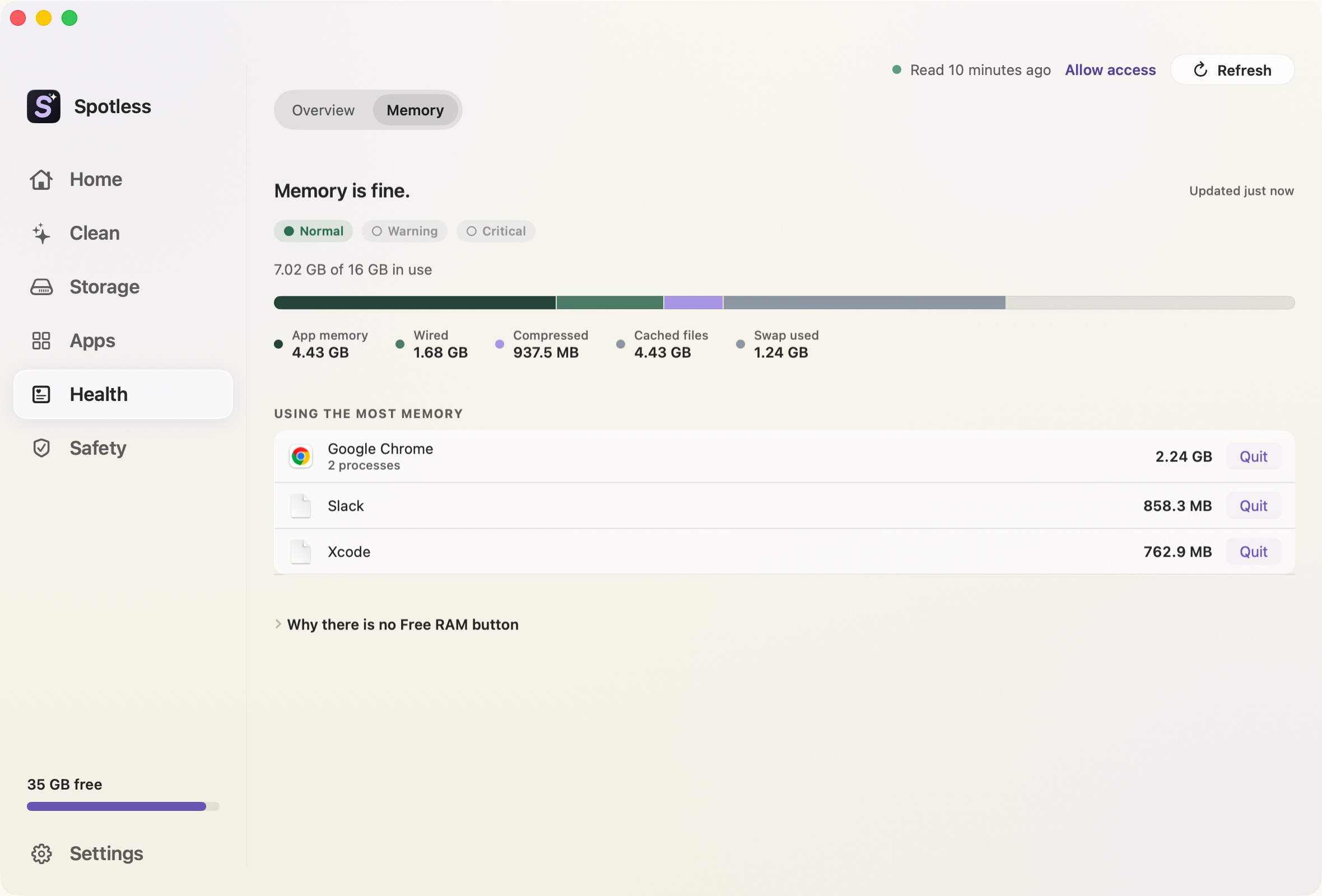
Memory
How much your Mac is using, and by which app.
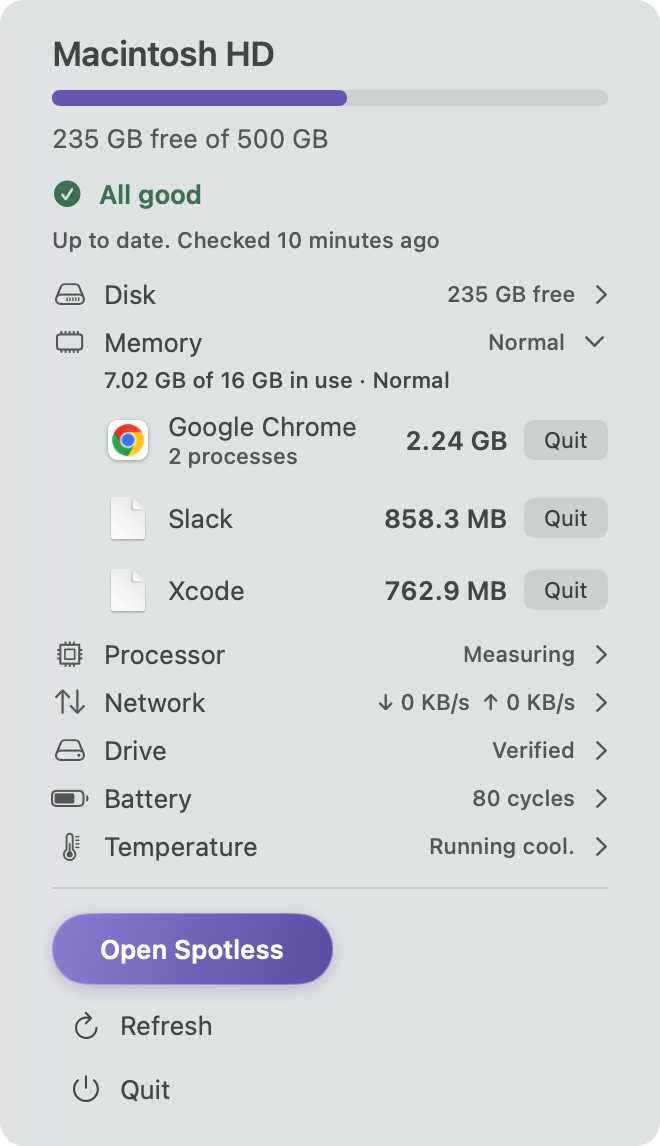
Menu bar
Disk, memory, processor and network at a glance.
Export plan
A text list of what would be removed. Nothing is deleted.

How the features fit together
Spotless starts with one scan of your disk. Every page reads from that scan, so the space map, Storage by type, duplicates and the cleaning list never disagree about how big something is. You scan once, then look at the result from whichever angle answers your question.
Looking
The space map, Storage by type and System Data show where space went. Nothing on these pages deletes anything.
Choosing
Review before every clean turns your choices into a list of paths and sizes. Export plan writes that list to a text file so you can read it away from the app. Locked areas keep Photos, iCloud and active projects out of the list unless you say otherwise.
Cleaning up after yourself
The app uninstaller, duplicates, developer storage and startup items handle the cases where a plain junk scan finds nothing. The memory page and menu bar monitor watch the Mac while you work.
What every feature has in common
Each one reads the same disk scan, shows sizes in the same units as Finder, and routes deletion through the same review step. Each one links to a page that explains what it does and what it will not touch, so you know the limits before you buy.