
 Spotless
.
Find what is filling your Mac. Choose what goes. Everything you remove goes to the Trash first.
Screens show sample data.
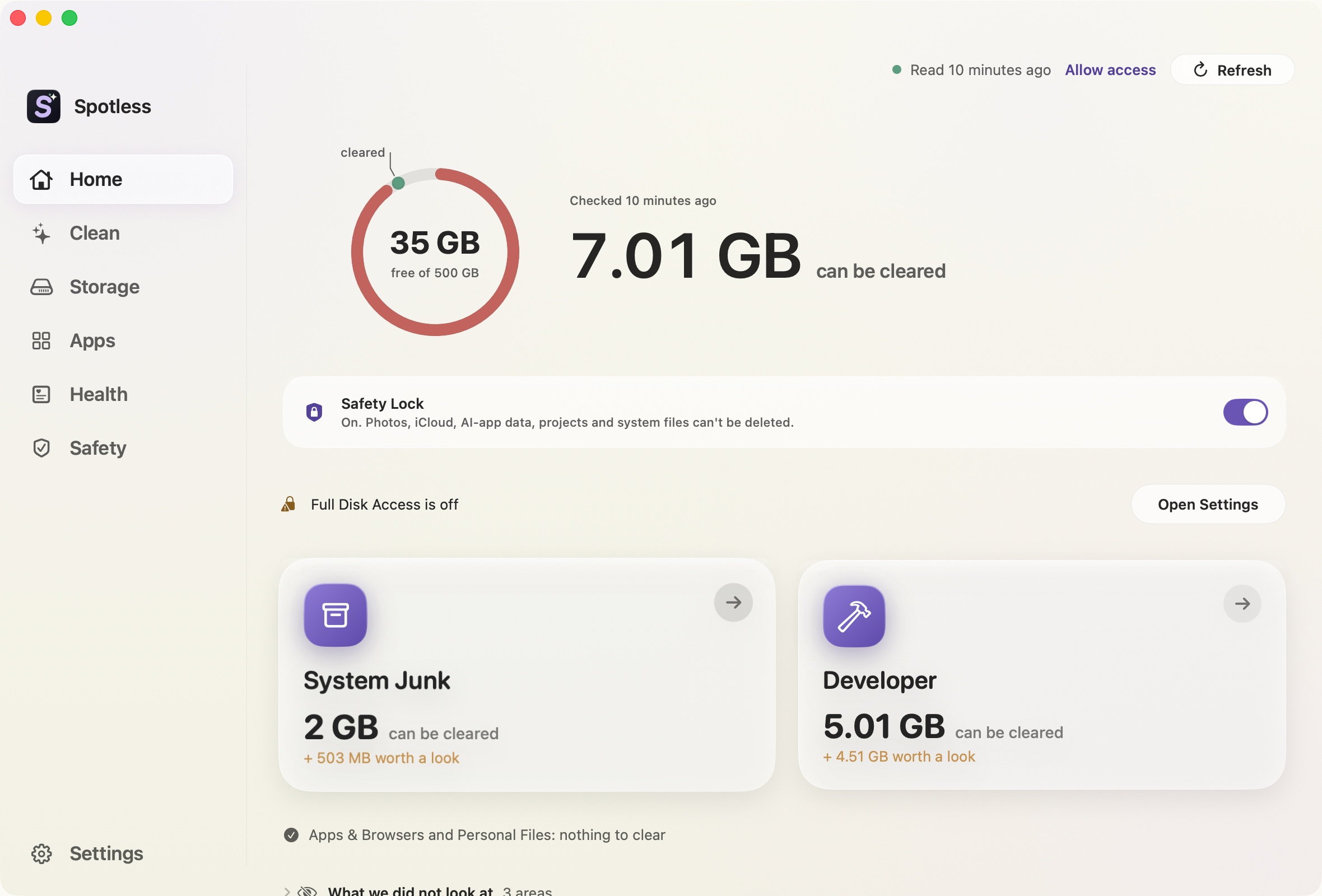
A scan groups what it finds.
System junk, developer files, app leftovers, duplicates. When it finishes, nothing is ticked. You open a group, look inside, and tick what you want gone.
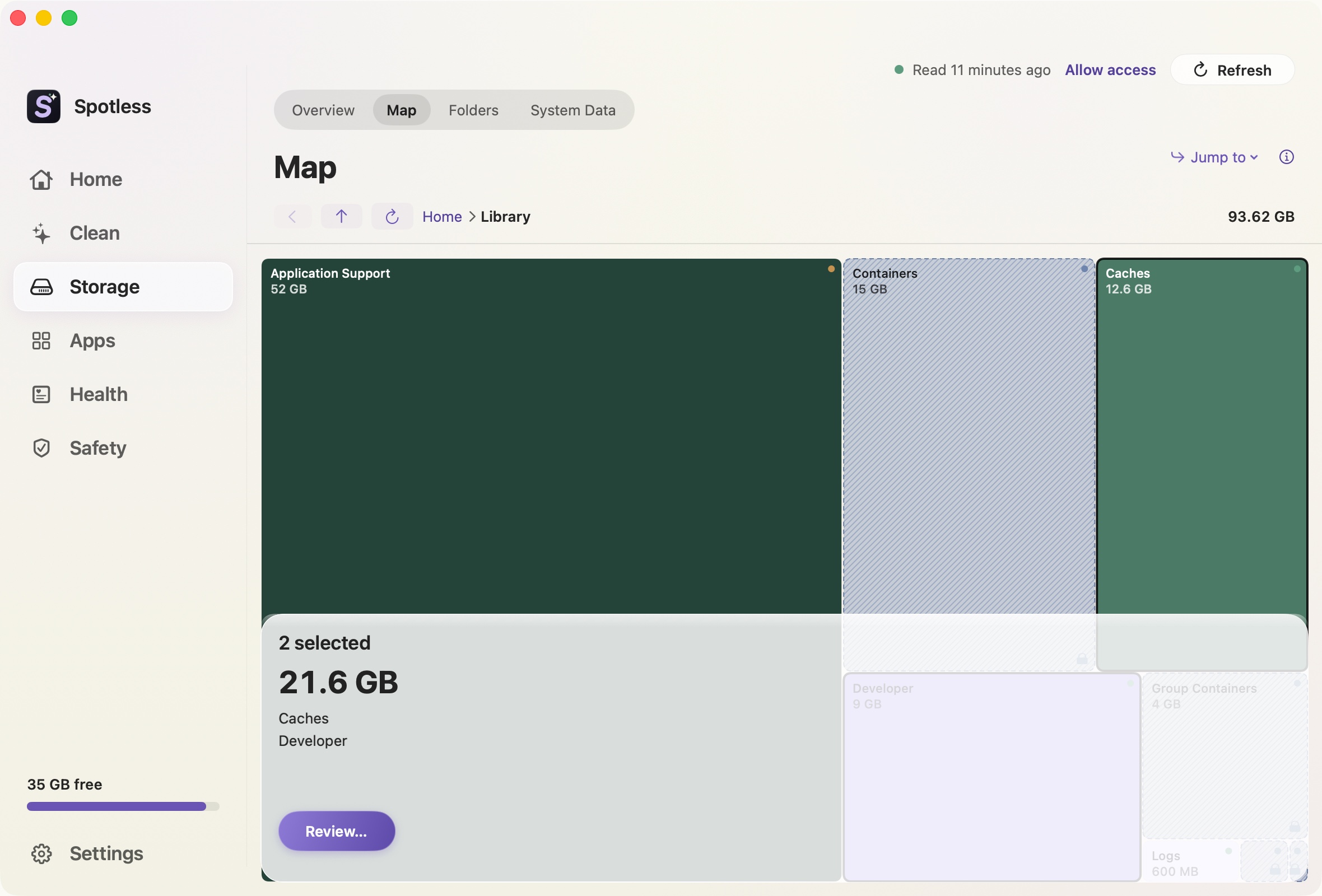
The space map shows the biggest things first.
Every folder is a block sized by the space it takes. Click a block to open that folder and see what is inside.
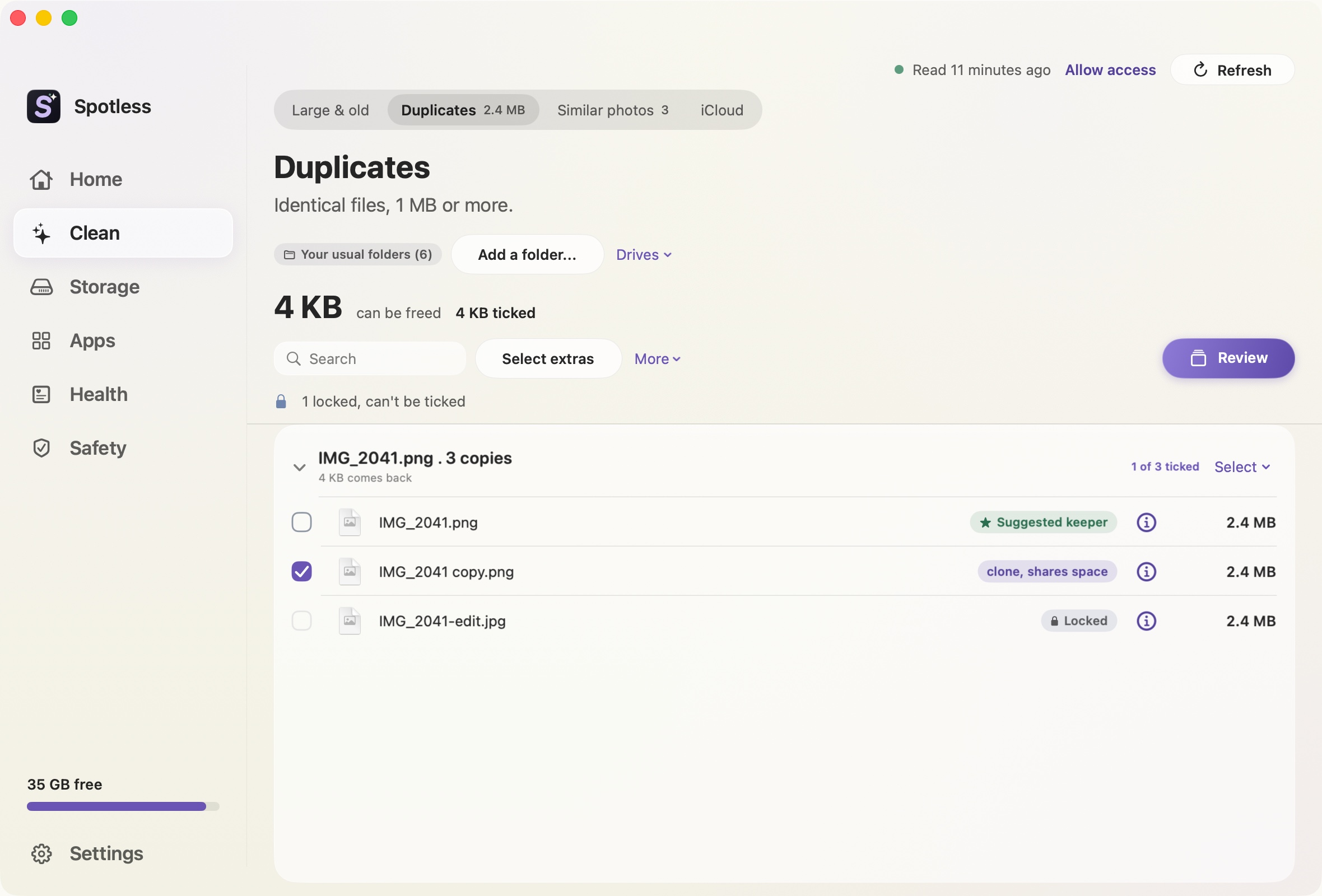
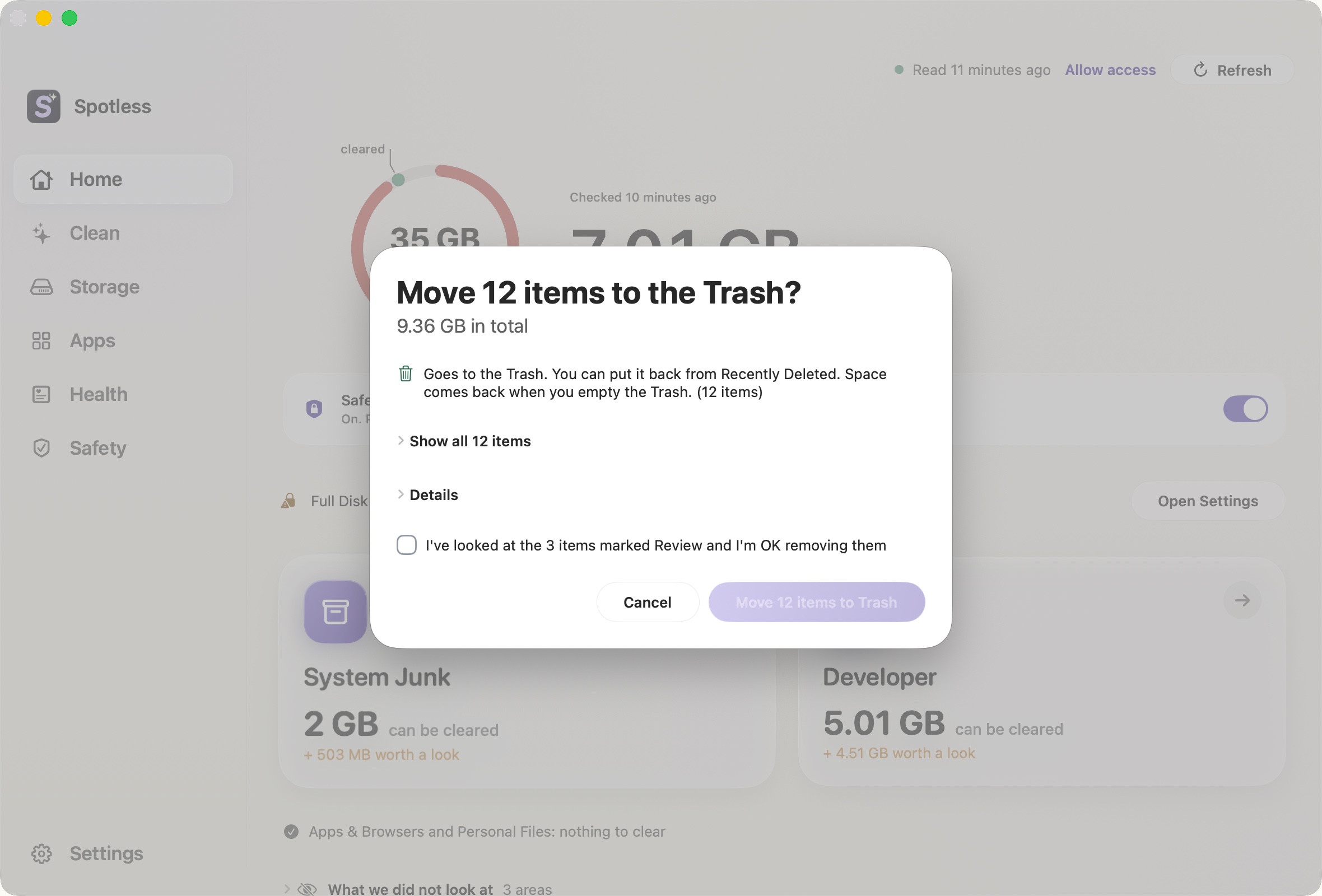
You see the list before anything moves.
Every item, with its path and size. Keep what you want, add what you do not. Keyboard shortcuts open this sheet but never delete on their own.
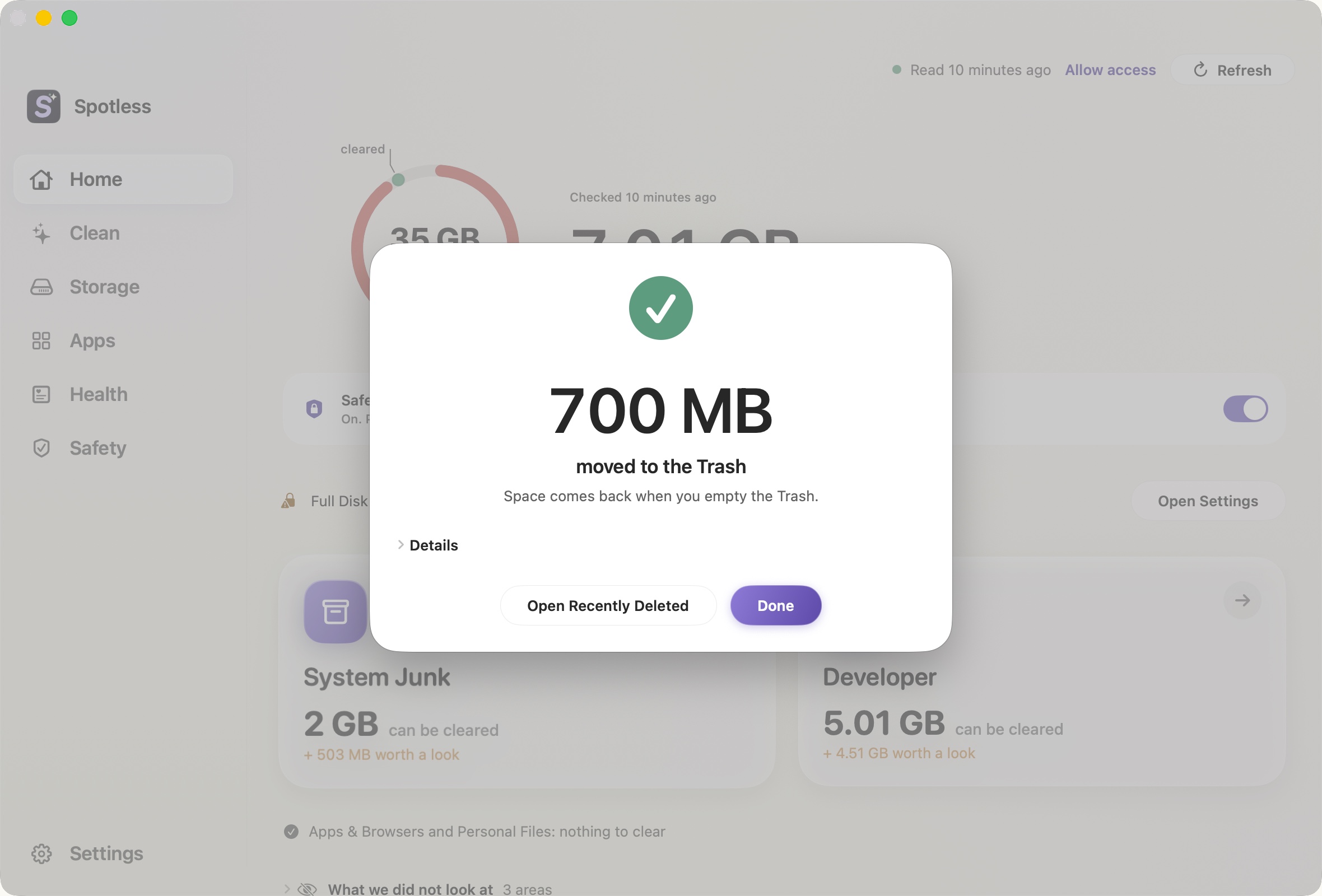
Removed items go to the Trash.
You can put them back until you empty it. Spotless keeps a list of what it moved, in Recently Deleted.
What it finds.
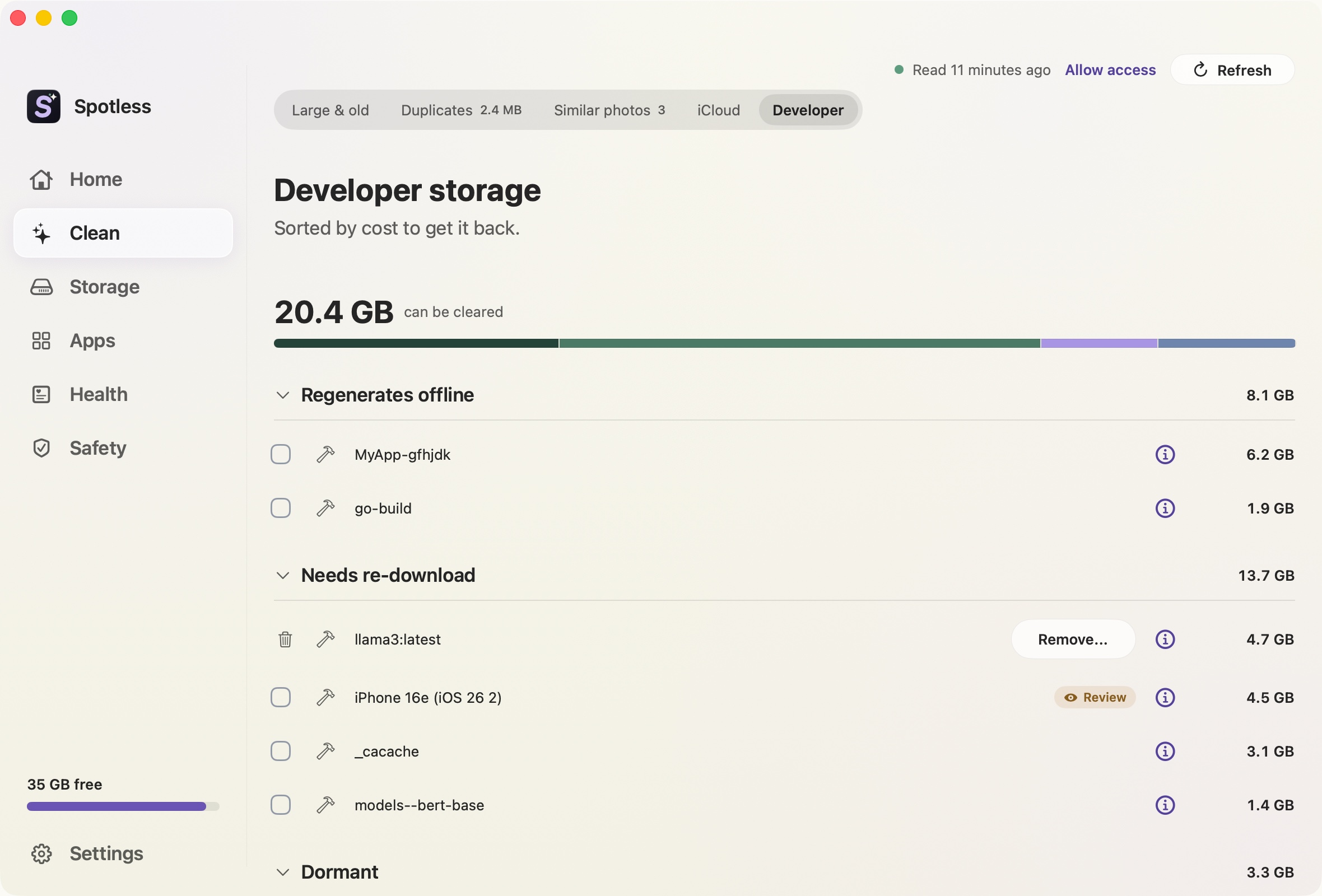
Developer storage
Xcode DerivedData and simulators, Gradle, Cargo, pnpm and CocoaPods caches, Homebrew downloads. Build folders in a project you are working in stay locked.
Developer storageSystem Data, itemised
macOS reports one grey bar. Spotless breaks it into the folders that make it up, and says which ones it could not read.
System DataApps and what they leave behind
Pick an app and see its support files, caches and preferences. Review them as a list, then move them to the Trash.
App uninstallerIn the menu bar.
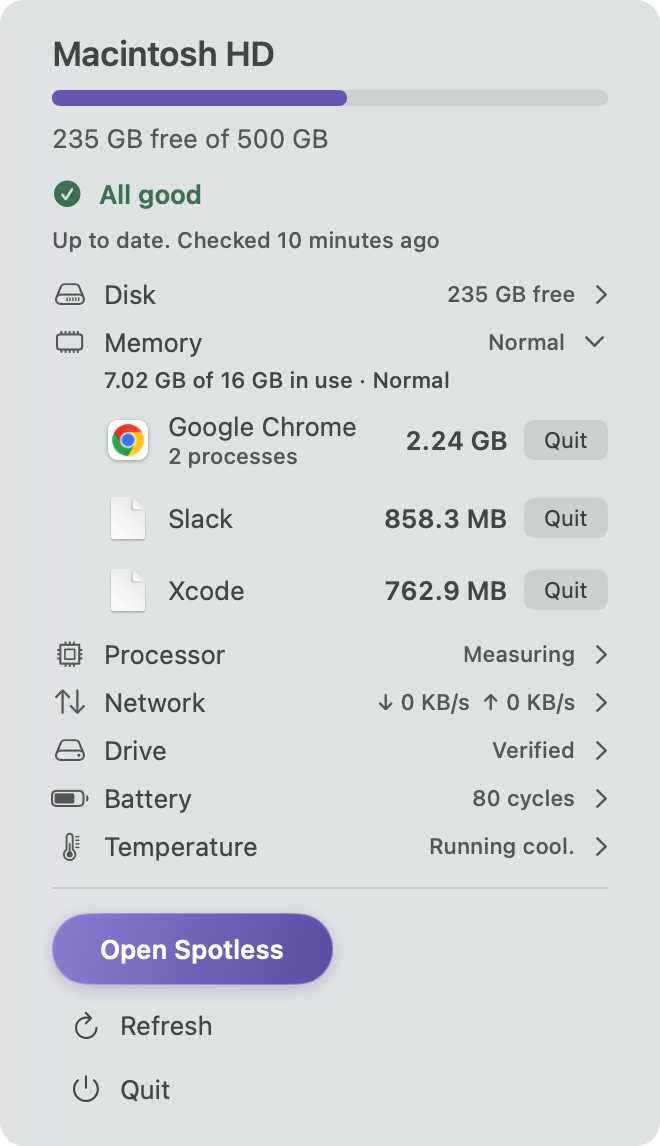
Disk, memory, processor and network at a glance, one click away. It follows your Mac's accent colour or a colour you pick. Warnings stay orange and red.
What Spotless will not do.
Tick anything for you.
After a scan every box is empty. Space saved only counts what you chose.
Touch your Photos Library.
Photos, iCloud and cloud folders are locked until you turn the lock off yourself.
Delete without showing the list.
Every clean opens a review of the exact items, paths and sizes first.
Send your files anywhere.
File names, folder names and scan results never leave your Mac.
$9, once.
Every feature included, free updates to version 1, taxes included. Not what you expected? Ask for your money back within 3 days.
Questions
Does Spotless need Full Disk Access?
It works without it, but macOS hides the Trash, Mail, Safari data and parts of System Data from every app until you allow it. Spotless shows what it could not read, so a smaller result never looks like a clean Mac.
Where do deleted files go?
To the Trash. Space comes back when you empty it. Until then you can put anything back from the Trash.
Does it send my files anywhere?
No. File names, folder names, sizes and scan results never leave your Mac. The privacy policy has the details.
Can I try it before paying?
There is no free trial. The pages here show the real app, and you can ask for your money back within 3 days.
Can I use Spotless on more than one Mac?
One licence covers one Mac. Each extra Mac needs its own licence. Replacing your Mac is free: deactivate the old one in Settings, then activate the new one.
Which Macs does it run on?
Apple silicon and Intel Macs, on macOS 14 or later.
How Spotless compares.
An upgrade on the apps people ask about, shown feature by feature, with where each one is better.